2 Getting Started
In this guide you are going to learn how to build the Neo4j Movies example application, which is implemented in a variety of languages as the official example application for using Neo4j.
For those unfamiliar with Neo4j, it is a Graph database that optimizes Graph traversal, something that is relatively slow on a traditional relational database.
The goal of GORM for Neo4j is to make it easy to map an existing Groovy domain model with Neo4j nodes and relationships.
2.1 What you will need
To complete this guide, you will need the following:
-
Some time on your hands
-
A decent text editor or IDE
-
JDK 11 or greater installed with
JAVA_HOMEconfigured appropriately
You will also need to Download and Install the "Community Edition" of Neo4j.
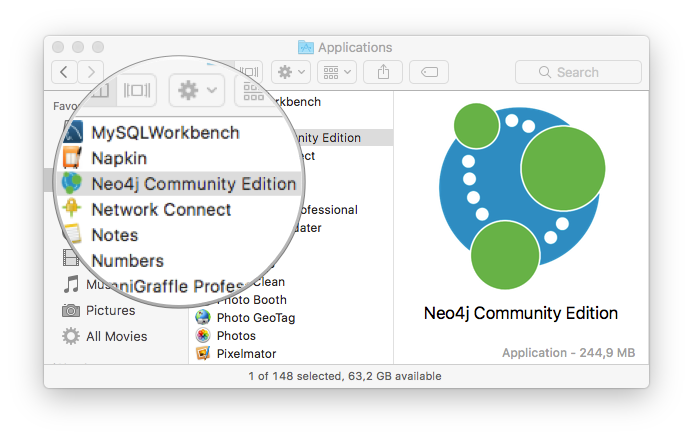
For the Mac, Neo4j comes as a DMG containing the Neo4j server and can simply be installed directly into your Applications folder:
| For Windows the executable installer will install the Neo4j server and make it available from the start menu. For *nix operating systems, you can use the Unix console application. |
Once the Neo4j server application is running specify a data directory and click the "Start" button:
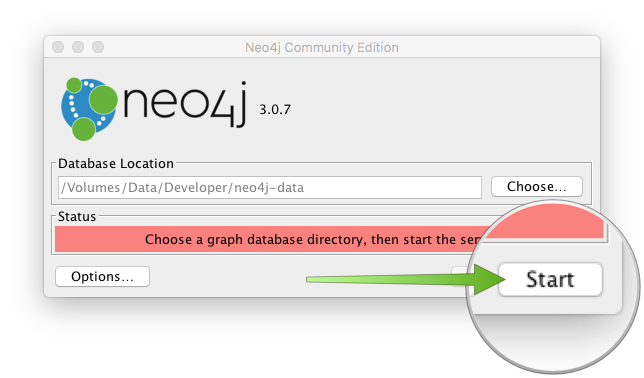
This will start Neo4j on the default port which is 7474, you can now access the Neo4j administrative UI using the link provided by the application:
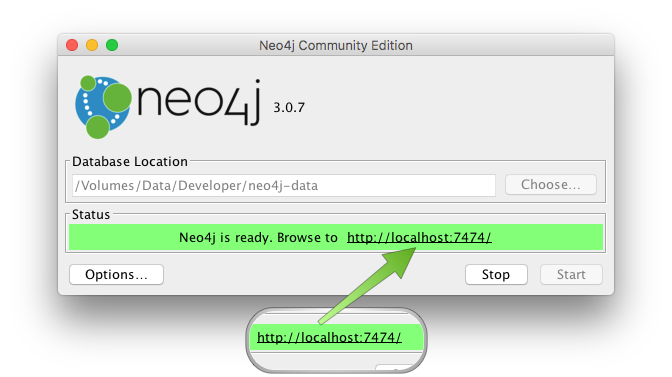
Now you can login to Neo4j with the default username and password, which are neo4j and neo4j:
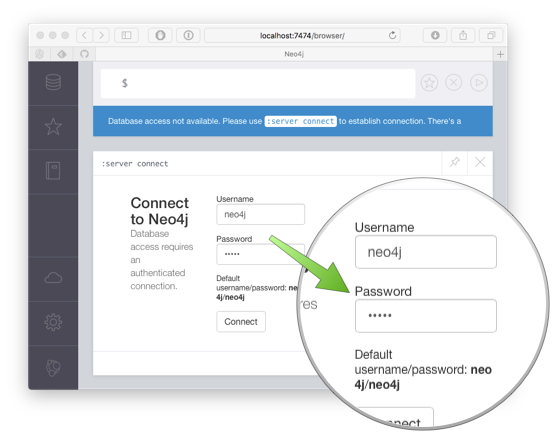
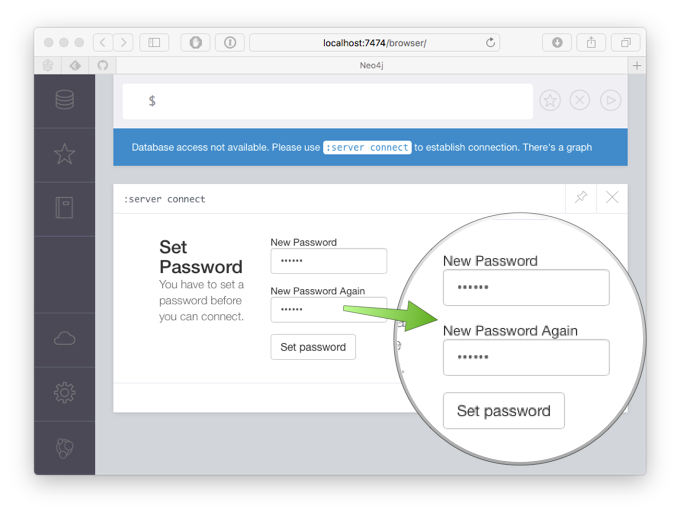
Once you are prompted to login you will be asked to change the password. Change the value to "movies" for this tutorial:
2.2 How to complete the guide
To get started do the following:
-
Download and unzip the source
or
-
Clone the Git repository:
git clone https://github.com/grails-guides/neo4j-movies.git
The Grails guides repositories contain two folders:
-
initialInitial project. Often a simple Grails app with some additional code to give you a head-start. -
completeA completed example. It is the result of working through the steps presented by the guide and applying those changes to theinitialfolder.
To complete the guide, go to the initial folder
-
cdintograils-guides/neo4j-movies/initial
and follow the instructions in the next sections.
You can go right to the completed example if you cd into grails-guides/neo4j-movies/complete
|
